The Minimum Useful Workout Log
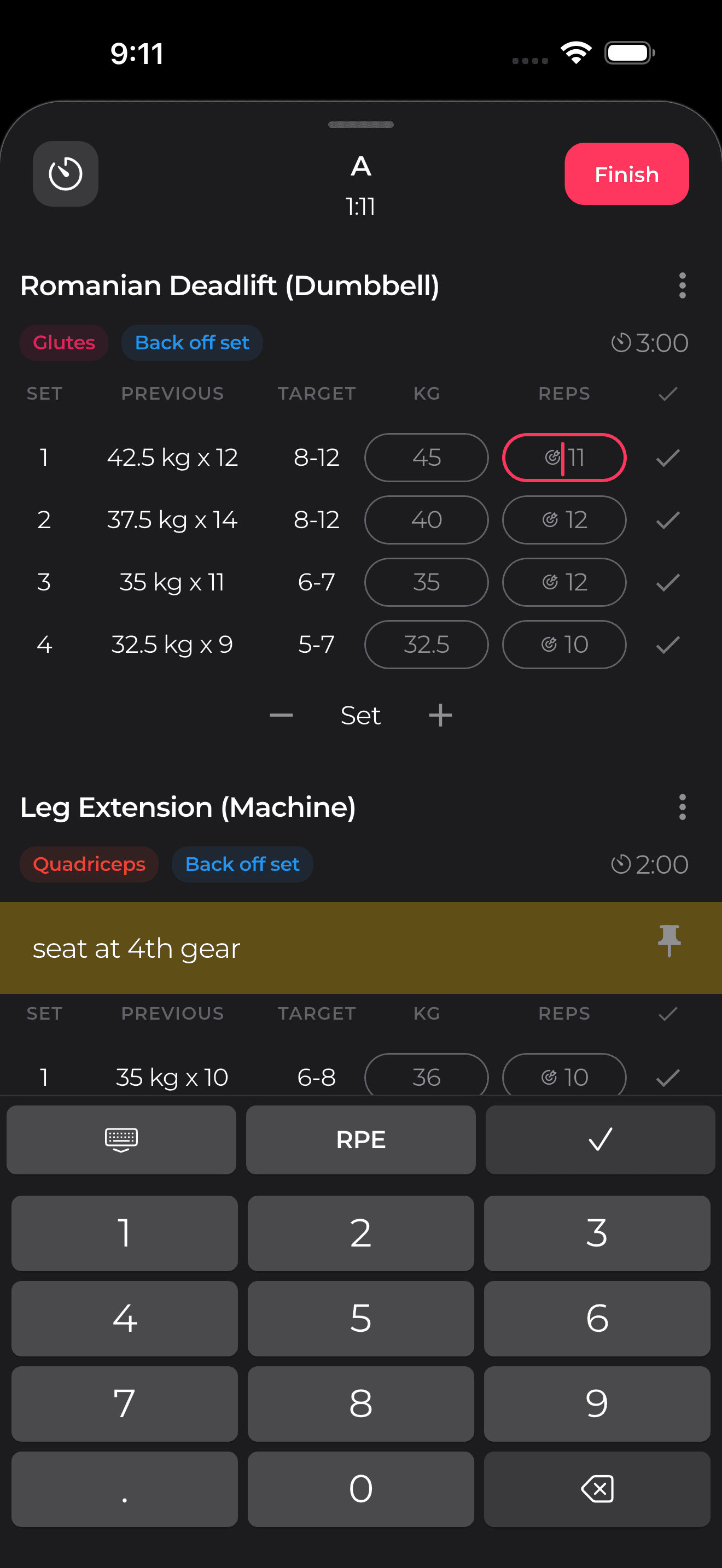
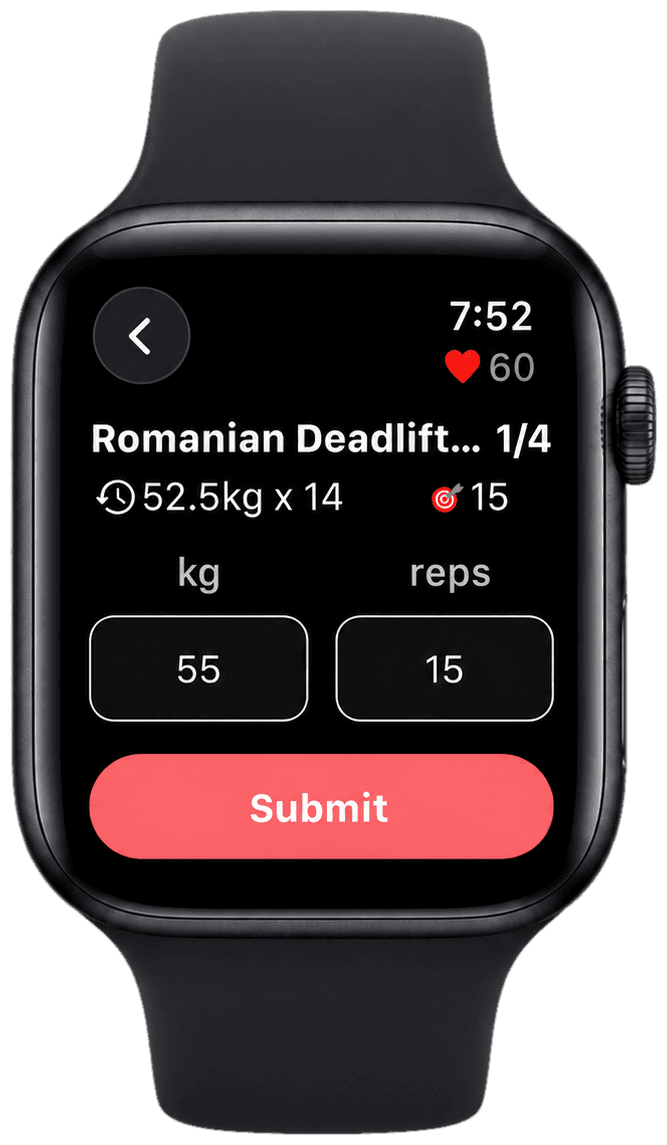
At minimum, log the exercise, load, reps, and sets. That gives Olympian the basic performance record needed to drive progression targets across the training block.
- Exercise name and variation.
- Weight used.
- Reps completed.
- Number of working sets.
- Any major form or equipment notes.
Add Effort When Progress Slows
Once you are past the beginner stage, load and reps are not enough. A set of 10 with four reps in reserve is very different from a set of 10 that barely moves. Logging RPE or RIR gives context to the numbers.
You do not need perfect precision. Even a simple note like easy, solid, hard, or max effort can help you understand whether performance is improving or just costing more fatigue.
Use Notes Sparingly
Good notes explain unusual context: poor sleep, a different machine, elbow discomfort, rushed rest periods, or a technique change. Bad notes repeat information your log already captured.
- Useful: 'New bench height, shoulder felt better.'
- Useful: 'Short rest today, do not compare directly.'
- Not useful: 'Did bench press.'
Turn Logs Into Automated Progression
The point of logging is not to admire old numbers. The point is to make the next workout smarter. If reps are climbing with appropriate effort, Olympian can push targets forward. If performance stalls or fatigue rises, the app can guide adjustments instead of leaving you to guess.
Olympian keeps that feedback loop inside the workout: progression targets, adaptive coaching, exercise swaps, deloads, and analytics all sit on top of the training data you already log.